KNEC Introduces Online Platform for Downloading KCSE Certificates
2 min read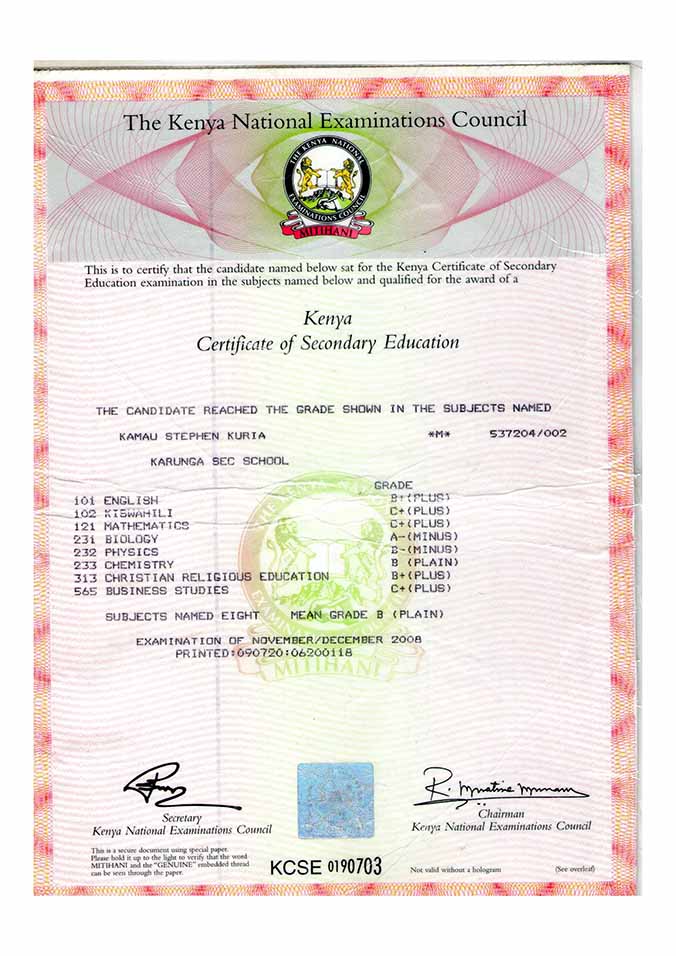
The Kenya National Examinations Council (KNEC) has officially launched the E-Certificate Platform, giving former KCSE candidates an easier way to access and download their certificates online.
The new platform allows users to obtain a secure digital certificate without visiting KNEC offices. The digital certificate can also be shared electronically with employers and learning institutions.
Step 1: Visit the official KNEC E-Certificate Portal.
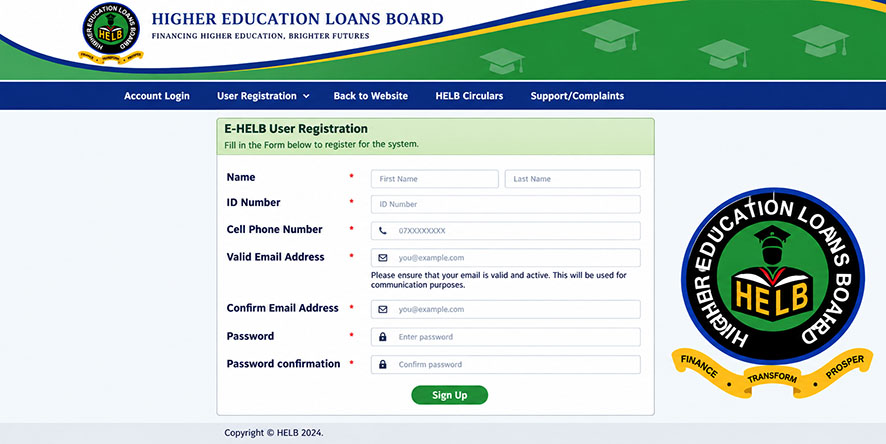
Step 2: Create an account if you are using the platform for the first time by clicking on Register and entering the required details.
Step 3: Log in using your username and password.
Step 4: Enter your examination details:
Step 5: Make the required payment.
Candidates will pay a non-refundable certificate access fee of KSh 1,300 through the payment methods provided on the portal.
Step 6: Once the payment is confirmed, the system will automatically generate your digital KCSE certificate.
Step 7: Download, save, print, or share your certificate electronically.
The launch of the E-Certificate Platform is expected to make it easier for thousands of Kenyans to access their KCSE certificates quickly and conveniently from anywhere in the country.
 Click to Join Our WhatsApp Channel
 2 min read
 3 min read
 4 min read