How to Track HELB Loan Disbursement Using USSD Codes
2 min read
Students who have applied for a Higher Education Loans Board (HELB) loan can check their disbursement status directly from their mobile phones using USSD.
There are two main options: *334# through the government services menu and *642#, the HELB Self-Serve code.
How to Check HELB Disbursement Using *334#
Follow these steps:
- Dial *334# on your phone.
- Select Lipa na M-PESA.
- Choose Government Services.
- Select HELB.
- Enter your HELB account PIN when prompted.
- Go to Application Status.
- Select Loan Disbursements.
- Choose Disbursement Report.
- Select the relevant academic year to view your disbursement details.
If you do not see the option you need, select the option for more choices and continue following the prompts.
How to Check HELB Disbursement Using *642#
Students can also use the direct HELB Self-Serve USSD code.
- Dial *642#.
- Register or log in using your National ID number and 4-digit PIN.
- Select Loan Application Status or Loan Disbursement.
- Choose your loan type and academic year.
- Follow the instructions provided.
Your disbursement information should then be sent to you through SMS.
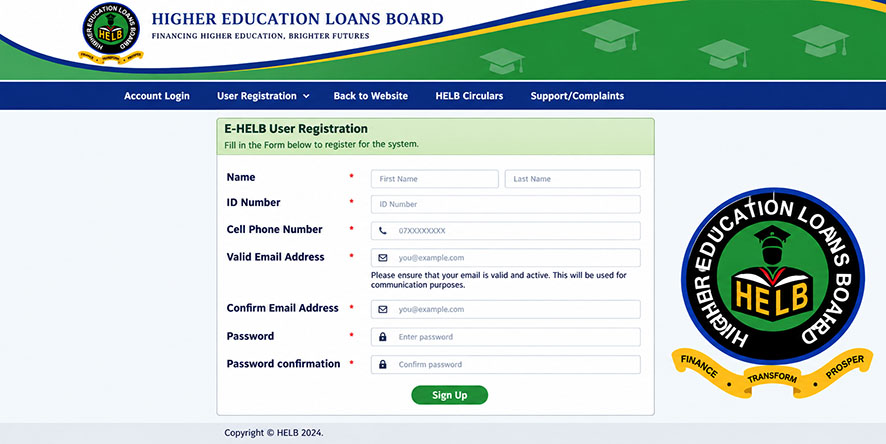
Students experiencing difficulties accessing their accounts can also check their details through the official HELB financing portal or seek assistance through HELB support channels.
 Click to Join Our WhatsApp Channel
Don't miss our latest updates on news, jobs, Kenyan political discussions and trending videos.